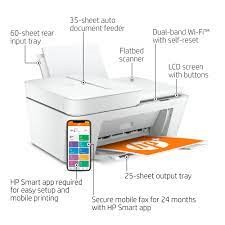
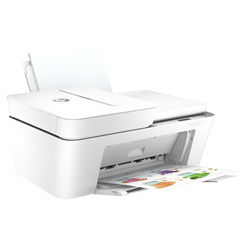
The HP Printer Error Code 3, commonly known as “Carriage Jam” or “E3 error”, typically signifies an issue with paper in the printer.
The two primary causes are:
- Paper Jam: This is the most frequent reason. Paper may be stuck somewhere in the printer’s mechanism, hindering the movement of the ink cartridge carriage.
- Paper Feed Mechanism Problem: Occasionally, the error can be due to issues with the rollers or other components of the mechanism responsible for feeding paper into the printer.
To troubleshoot the HP Printer Error Code 3:
– Check for Paper Jams: Open all the printer’s trays and doors that provide access to the paper path. Thoroughly inspect for any jammed paper bits, labels, or debris that could be blocking the carriage’s movement. Remove them carefully to prevent paper tearing and additional problems.
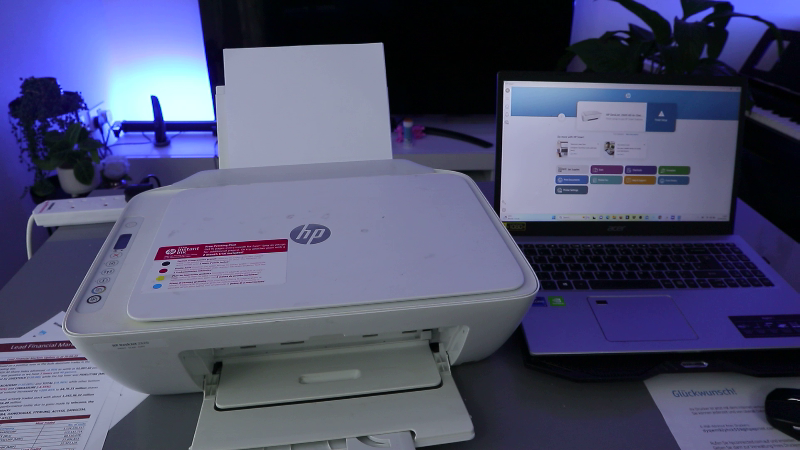
– Clear the Paper Feed Mechanism (Optional): If no jammed paper is found, the problem might lie with the rollers or other components in the mechanism. Refer to your HP printer’s manual for detailed instructions on cleaning these parts. Typically, a lint-free cloth lightly moistened with water is used.
If you are unable to resolve the issue independently, you can access more detailed troubleshooting steps on the HP Support website by searching for your specific printer model along with “E3 error” or “Carriage Jam”. Additionally, there may be helpful videos on the Vinnel TV YouTube channel demonstrating the troubleshooting process for your particular HP printer model.