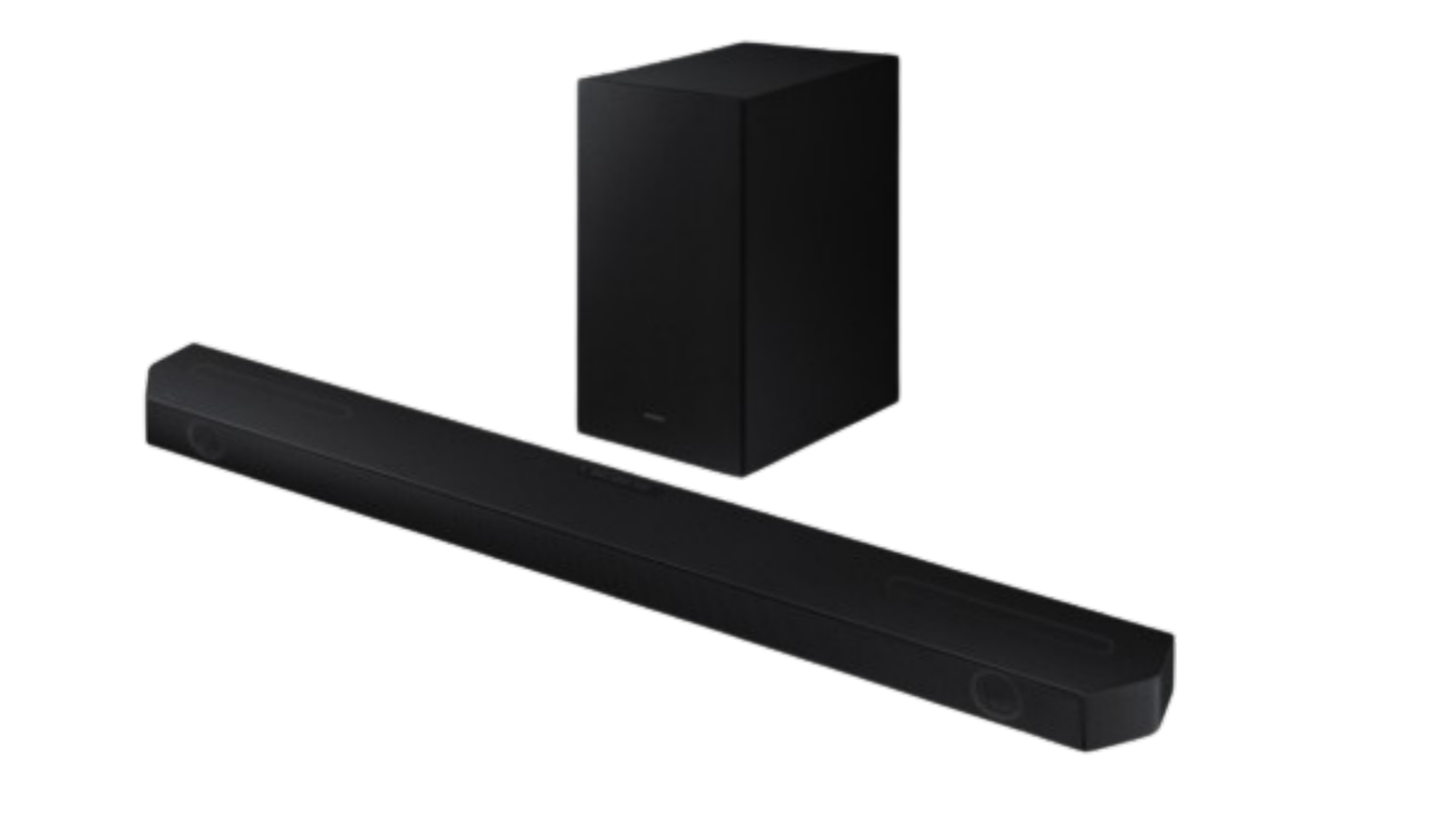
Connecting a Soundbar to the Smart Thing App can be challenging but we have put down this step-by-step guide to help others to have a seamless connection between your gadgets
Switch the soundbar on
Connect your phone to WIFI.
Download and open the SMART THING APP on Your Phone
Look at the bottom of the app and tap on Devices.
Look at the top Tap on (+) and add the Icon.
Tap on Add device.
Tap On Scan nearby.
Select the soundbar name on the list.
Press the volume down button on the soundbar to connect.
Select a WIFI network for your soundbar.
Your soundbar will be connected to the Smart Thing app.
Tap Next
Soundbar Connected to smart thing app.
Now you can enjoy wireless Dolby Atmos
You can enjoy Tap sound and virtual remote control on the phone.
https://youtu.be/6XVdCDojveE