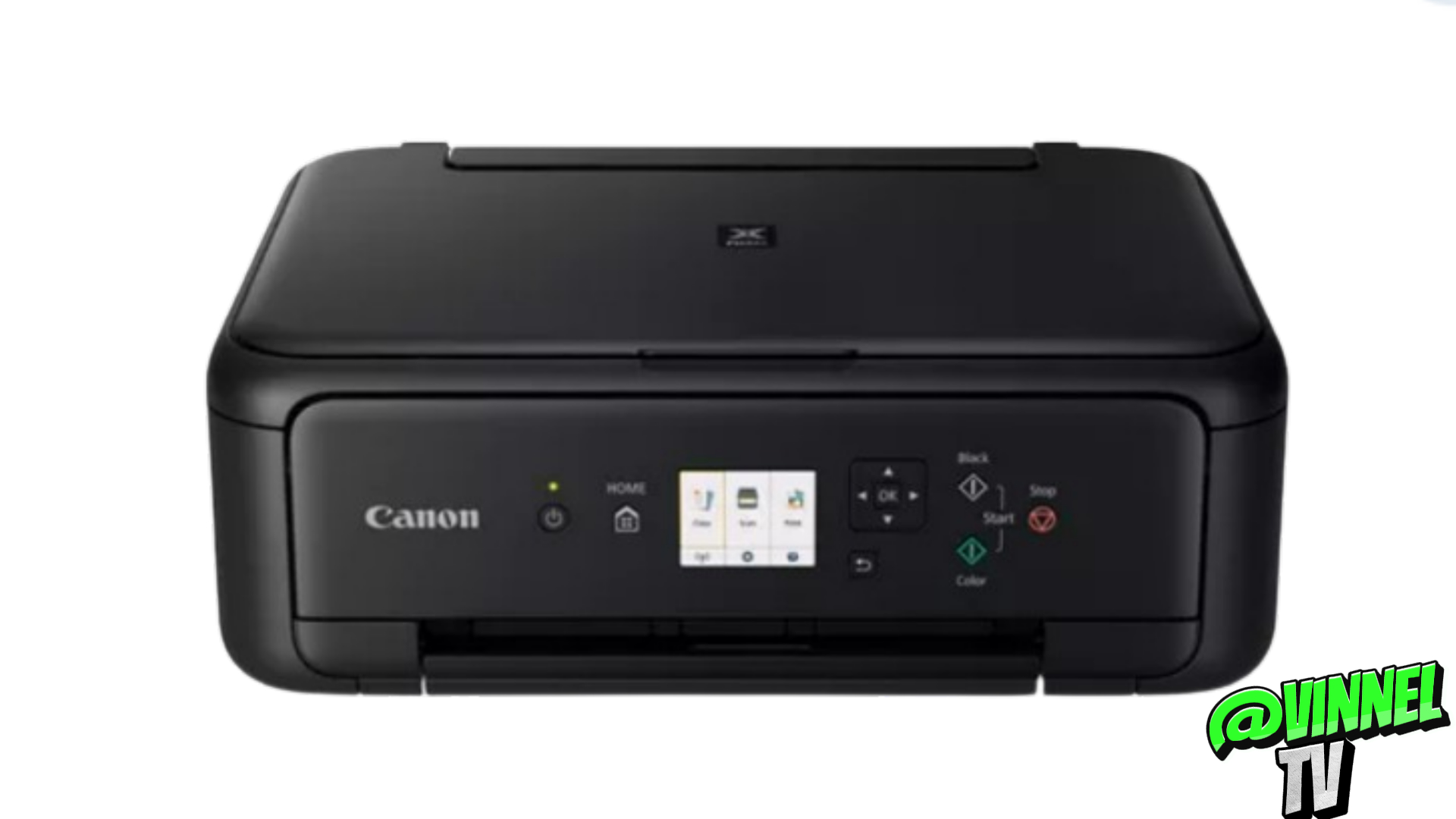
This article is one of the burning questions I received on my YouTube channel Vinnel TV about How to Reset a Canon Printer TS5150 or any Canon TS5000 series Printer. Below is a step-by-step process to reset your Canon TS 5150 printer
- Proceed to the printer settings and select the “OK” option.
2. Next, navigate to the settings menu.
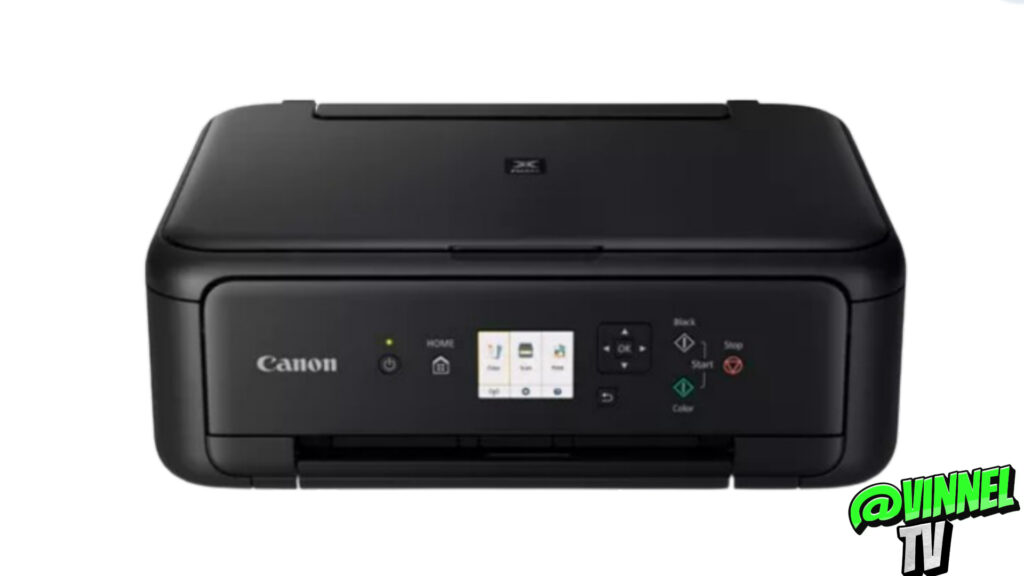
3. Then, access the device settings. Scroll down until you reach the last option, which is “reset device settings.”
4. Click on it. Confirm the reset by selecting “yes.”
Finally please note that this process may take a minute or a few seconds.
It will restore all settings to their factory defaults, allowing you to reconnect your printer to a different WIFI network if desired.
This procedure is particularly useful when changing your broadband provider or moving to a new residence.