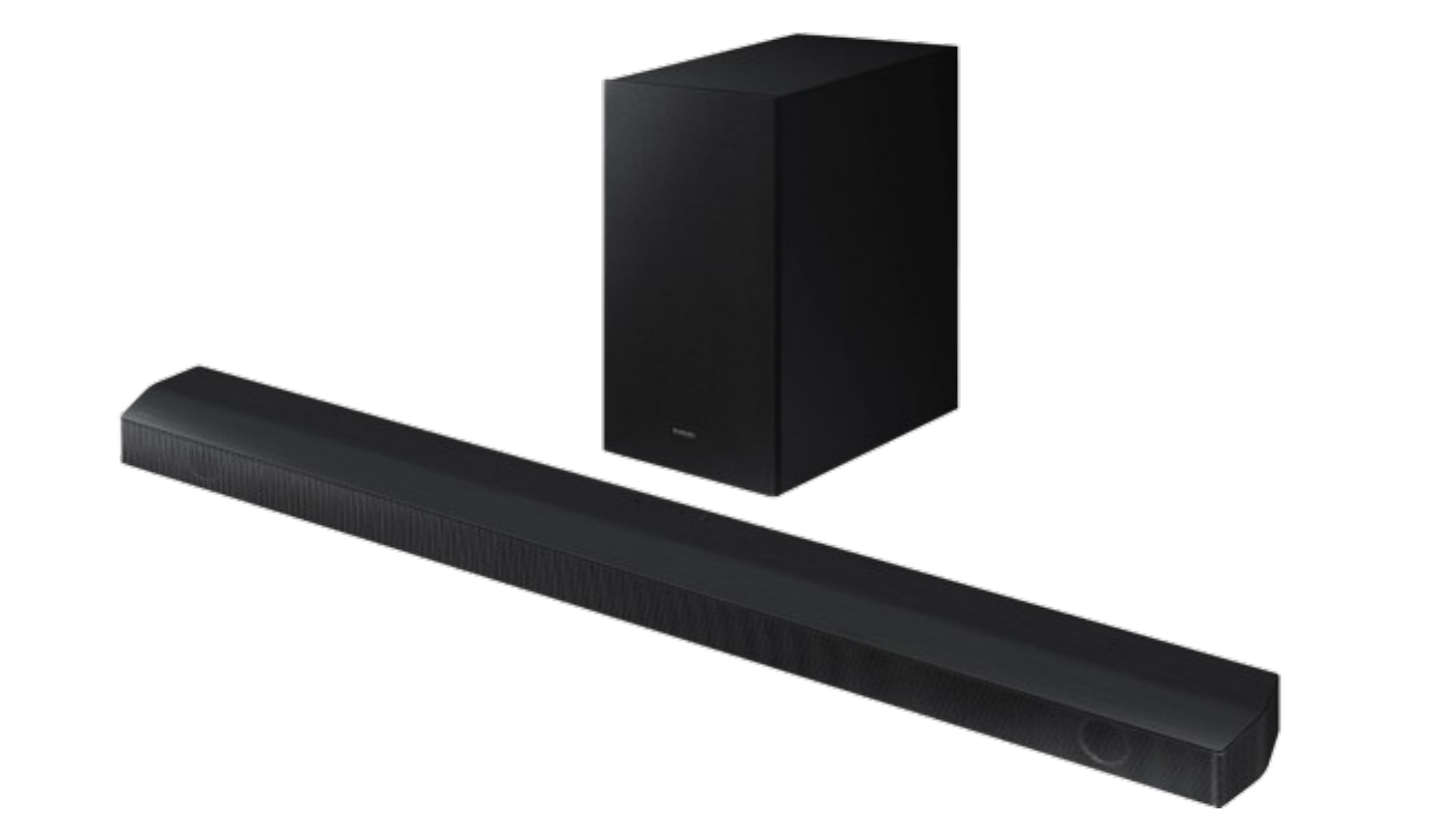
If for any reason, you need to initialize or reset your Soundbar, you can do so easily! All you need to do is follow the simple steps shown in this article to reset your Soundbar and it will be reset in no time.
Resetting the soundbar would help with the Bluetooth issue.
The soundbar and Subwoofer connection issue
The Soundbar connected to other devices does not play.
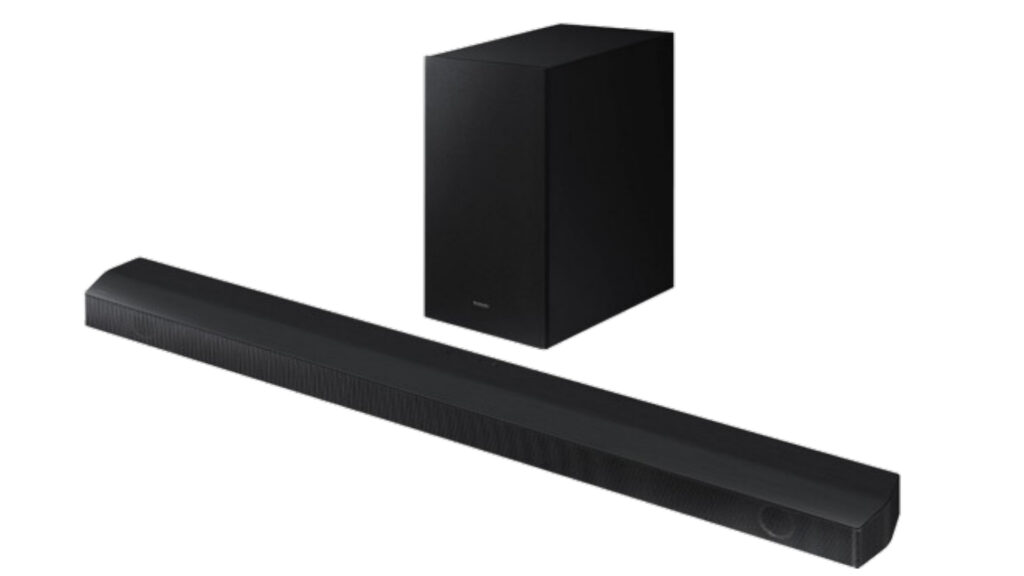
- Switch the soundbar on
- Press the (+) + (-) Volume buttons together simultaneously for 5 seconds.
- “INT” will appear for 2 seconds, and the device will turn off.
Remember WIFI, BT, EQ, and other useful settings will disappear after resetting the device!
I hope you find this article useful.